User interface
When the user is logged into SuperAdmin POEM, (s)he is redirected to Administration page.
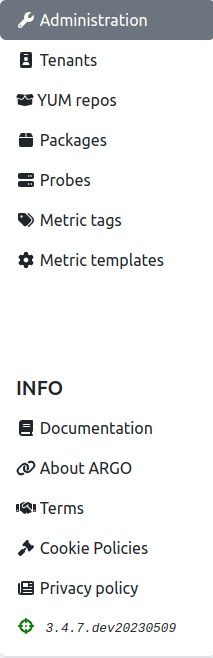
On the left side, one can see a menu (shown in the figure below), from which the other pages are accessible: tenants, YUM repos, packages, probes, metric tags, and metric template pages.
In the INFO section of the side menu, users can access this documentation, or read information about ARGO, terms, and also about cookie and privacy policies.
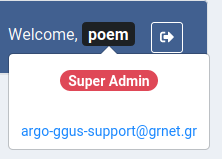
On the top bar (shown in the figure below), there are ARGO logo, greeting message for the user, and logout icon.

User can click his/her name to get user details. It shows type of user (only one type on SuperAdmin POEM - super admin) and his/her email address.