Readiness Check
The Readiness Check validates that all required data and configuration are available before a service or workflow can proceed.
Why we need it
A tenant represents a logically isolated environment within the monitoring service. Because of the interdependencies of the data, a readiness check is essential to:
- Ensure data integrity before executing operations.
- Monitor the continuous chain of data ingestion and processing.
- Prevent runtime failures caused by missing configurations or unreachable dependencies.
Behind the scenes
The client sends a request to the Monitoring Service to perform a readiness validation. The service then evaluates whether the environment meets the minimum execution requirements.
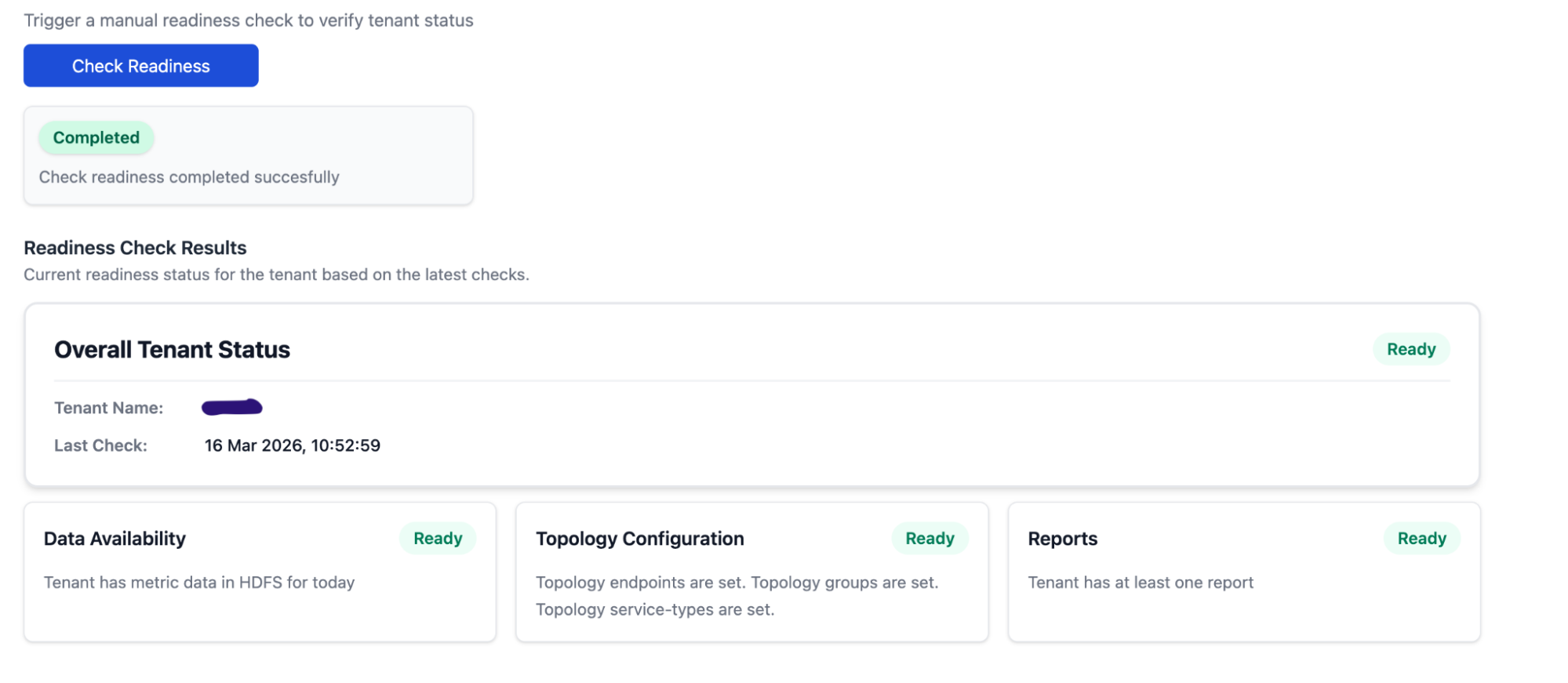
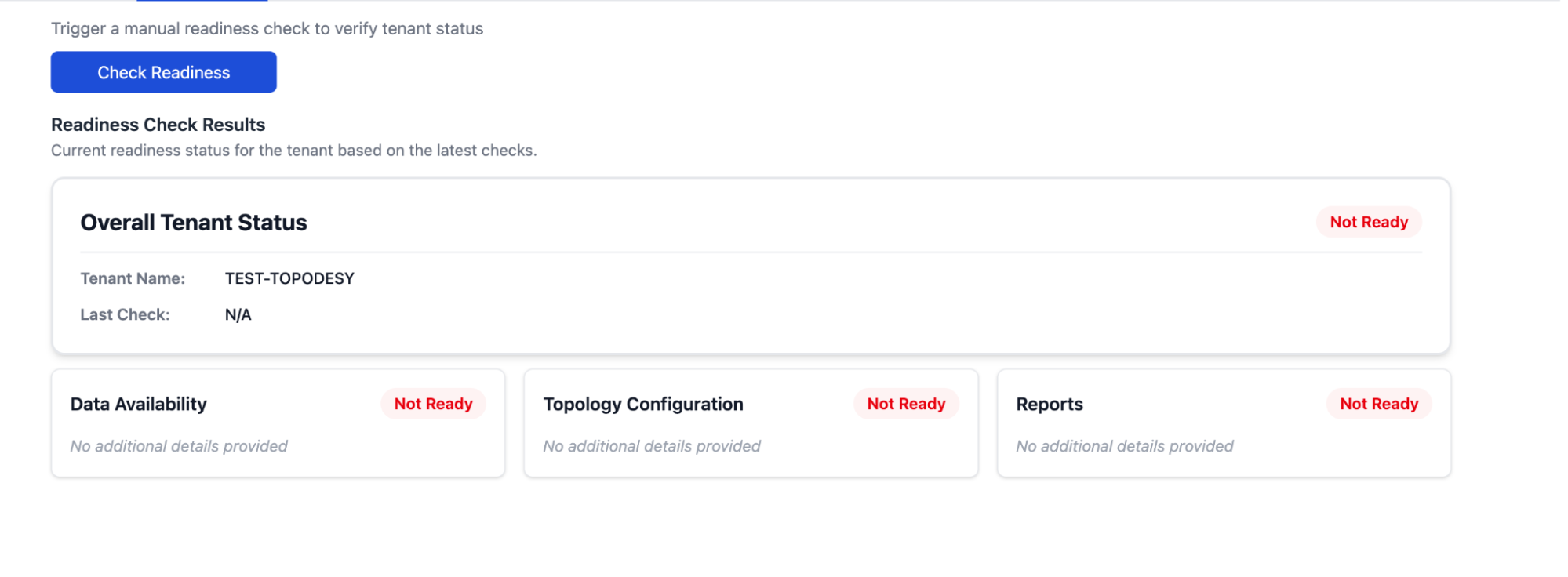
1. Request
A readiness check request is submitted by the client to the Monitoring Service.
2. Processing
Upon receiving the request, the Monitoring Service evaluates the environment against the following checklist:
- Data Availability: Verifies that required data sets are present and accessible.
- Topology: Confirms that all necessary topology data are defined and valid.
- Reports: Checks that all reports required are available.
At the same time the Monitoring Service verifies the following conditions:
- Required data sets are present and accessible.
- Configuration parameters are defined and valid.
- Dependencies and external services are reachable (if applicable).
- Service state is consistent with expected preconditions.
3. Response
The Monitoring Service returns a payload indicating the system's preparedness:
READY– All required conditions are fully satisfied. The workflow can safely proceed.NOT_READY– One or more required conditions are missing, invalid, or unhealthy. 📋Note: When the status isNOT_READY, the response payload SHOULD include a detailed error array describing the specific missing or invalid conditions to aid in troubleshooting.
4. Outcome
- Success (
READY): Ensures that subsequent operations and tenant workflows can proceed safely with minimized risk of failure. - Failure (
NOT_READY): Halts the workflow. Corrective actions MUST be taken by the super_admin or the automated system to resolve the reported issues before retrying the execution.